
Most AI assistants wait for you to open a chat. Claude Duet is designed to take a more active role: it can check your connected work apps, bring important items to your attention, and prepare tasks for you to review.
Anthropic introduced Claude Duet on October 21, 2026, as a research preview. It is aimed mainly at professionals and small business owners who spend much of the day managing email, calendars, invoices, and follow-ups. Duet is still early, and access is limited, so it helps to understand what it can do—and what it cannot—before joining the waitlist.
This article is based on Anthropic’s official announcement, Claude Duet Help Center guide, and product page, checked on October 22, 2026. We have not tested Duet ourselves, so this is an explanation of Anthropic’s published information, not a hands-on review.

What Is Claude Duet?
Claude Duet is a separate app where Claude works as a proactive AI agent. You can send it a typed or voice message and ask it to work across apps you have connected. Rather than only answering questions in a chat, Duet can prepare work in the background and let you know when it needs your attention.
Anthropic says Duet is built around Claude Opus 5.5. During the research preview, users cannot choose a different model; Duet decides how much effort a task needs. Anthropic describes the product as work-focused and says personal errands, such as booking tickets, are not yet its strongest use case.
How Claude Duet Works
You message Duet in one ongoing thread, much like you would message a colleague. You can also create separate channels for different topics, while keeping the same shared memory. Duet uses the memory, skills, and connected apps already associated with your Claude account.
Each morning, it can review connected email and calendar apps and send a short briefing about items that may need your attention. It can draft a reply or begin another task, then leave the decision to you. During the day, it checks connected accounts at set intervals and sends updates when something needs you; Anthropic says it does not check continuously because that would use more of your plan’s usage.
Duet runs on its own computer in the cloud, so your phone or laptop does not need to stay on while it works. Its Tasks tab shows work in progress and anything waiting for your input. Larger results—such as a research brief, financial model, presentation, or dashboard—can appear as files for you to review and edit.
Duet supports plugins and connected apps. If a website does not have a connector, it can use its own cloud browser. Anthropic says that browser is not yet available for you to watch or take over during the preview.
Claude Duet vs. Regular Claude
Both products use your Claude account and its existing memory, skills, and connected apps. Duet can also search past chats, depending on your Search and reference chats setting. Anthropic says you can turn that setting off in Claude’s memory settings.
The main difference is how you work with them. The regular Claude app mainly responds when you start a chat. Duet is designed to bring you a morning brief, work on tasks you hand it, and message you when something is finished or needs your approval.
For now, Duet is a separate app. It can read your work in Claude but cannot change it, and it cannot see all your projects or the files on your computer.
What Can Claude Duet Do?
Anthropic’s examples focus on everyday work and small-business tasks. Duet may help you:
- Find important email and Slack messages you have missed.
- Check for unpaid invoices and draft reminder emails.
- Prepare a short company brief before a meeting.
- Draft a job post, agreement, or customer follow-up for you to review.
- Help prepare payroll or organize a social campaign.
- Build a dashboard, forecast, prototype, or web app.
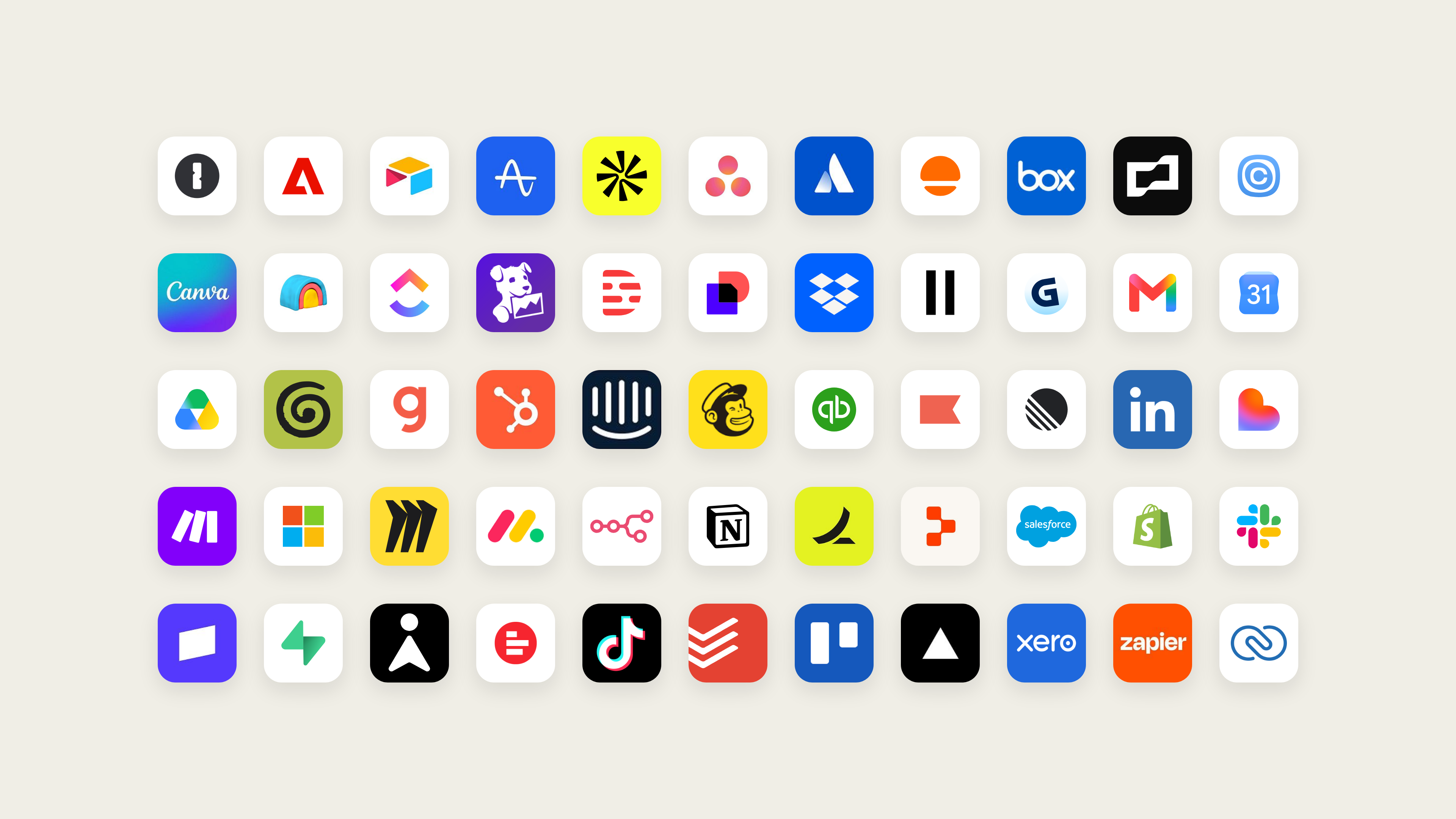
Anthropic says Duet can use more than 6,000 connectors and plugins in the Claude Marketplace. It also supports purchases through Link by Stripe and Shop Pay. Duet is designed to ask for your approval before each purchase, and each purchase uses a one-time card. Some features are still listed as coming soon, including signing in to websites with credentials saved in 1Password and a richer Shopify store editor.
These are examples and claims from Anthropic’s announcement and Help Center, not independent test results. Actual results can depend on the connected apps, the task, and the information available to Duet.
Who Can Access Claude Duet?
At launch, Claude Duet is a US-only research preview for people on Claude Pro or Max plans who receive an invitation from the waitlist. Joining the waitlist does not guarantee a specific invitation date. Team and Enterprise plans are not included yet, and the Free plan is not eligible.
Anthropic says access is linked to the email address submitted on the waitlist, so it should match the email on your Claude account. Duet is available as a standalone app for iOS and Android, and on the web at claude.ai. If you are outside the United States, you cannot join this preview yet.
Claude Duet Pricing and Usage Limits
There is no separate Duet charge during the research preview. Anthropic says it is included with Pro and Max at no extra cost. Duet shares the usage limits of your Claude plan, including the five-hour session and weekly limits. Background checks and larger tasks count toward those limits, so using Duet may leave you with less usage for regular Claude chats.
Anthropic has not announced what Duet will cost after the preview. Check the official Claude pricing page for current plan prices, since subscription prices and plan details can change.
Privacy, Safety, and Approvals
An assistant that can read work messages and prepare actions needs clear safeguards. Anthropic says Duet is designed to show you what it is about to do and wait for your approval before it sends a message, makes a payment, signs a document, or deletes something. Some actions—such as trading securities or moving money between accounts—are off-limits even with approval.
Anthropic also says Duet does not directly see your passwords or sign-in tokens. If a website asks for a password in Duet’s browser, you enter it in a separate form on your device. You choose which apps to connect and can disconnect them at any time.
There is still a risk called prompt injection: an email or web page may contain hidden instructions intended to mislead an AI assistant. Anthropic says Duet is designed to treat that content as information, but no defense is perfect. That is why you should read drafts and approval requests carefully before confirming an action.
Anthropic says the product has been tested by its red teams and an external security firm. For details about data handling, review Anthropic’s current Privacy Policy before connecting sensitive accounts.
Claude Duet Limitations
Duet is still an early research preview, and it has several limitations:
- It is available only to invited Pro and Max users in the United States.
- You cannot choose the model or watch it work in its browser.
- It checks connected accounts at intervals, so it may not notice something immediately.
- It cannot access every Claude project or files on your computer.
- It cannot make phone calls or send text messages to other people.
- Some connectors have limits, and Microsoft 365 is not available yet.
- It can misread a message or misunderstand what is urgent.
Anthropic recommends reviewing drafts and approval requests before you confirm them. Since Duet also uses your existing plan limits, frequent background work may affect how much you can use regular Claude.
Who Might Find Claude Duet Useful?
Based on Anthropic’s description, Duet may be useful for freelancers, consultants, brokers, founders, and small-business owners who handle many follow-ups across email, calendars, invoices, and messaging apps. Its morning briefing and task hand-offs are likely to matter most to people who regularly manage that kind of work.
If you mainly use AI for quick questions, writing, or coding, regular Claude may already cover what you need. Duet may also be unavailable to you for now if you live outside the US, use a Free plan, or depend on Microsoft 365.
Final Thoughts
Claude Duet points toward a more proactive kind of AI assistant: one that can review connected work apps, prepare tasks in the background, and ask before taking important actions. That could save time for people whose work involves a steady stream of email, scheduling, and follow-ups.
For now, Duet remains a limited research preview. It has a US-only waitlist, shares usage limits with Claude, and can still make mistakes. If you are eligible, consider carefully which apps you connect and review every action before approving it. Since preview features may change, check Anthropic’s Help Center guide for the latest details.


No comments:
Post a Comment